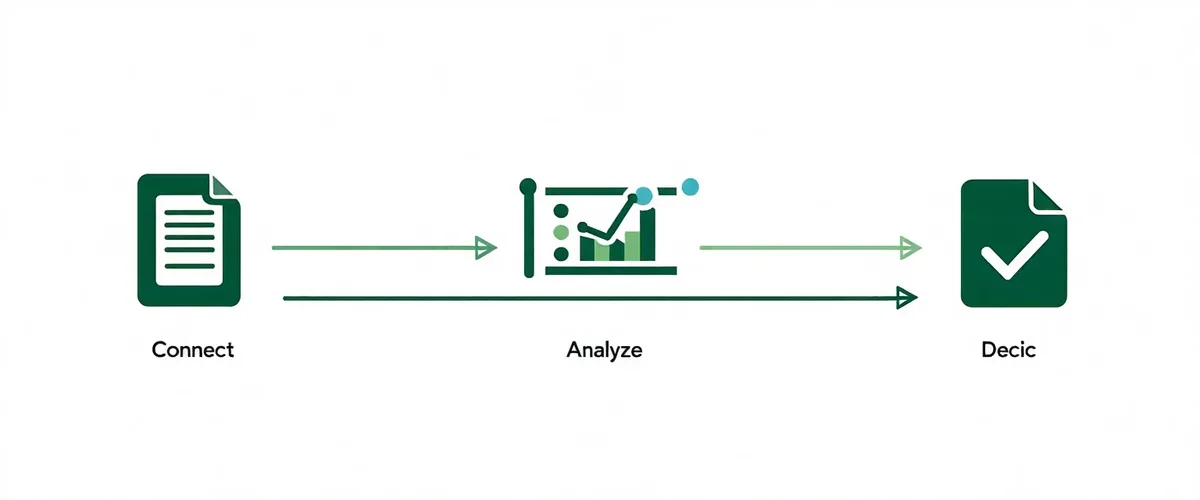
From bank statements to credit decision in minutes
A workflow designed to fit your existing loan origination process — not replace it. Creditfern sits between your bank data source and your LOS, adding a cash flow intelligence layer that loan officers can act on immediately.
How bank data arrives
Not every community bank has Plaid connectivity. Creditfern supports three data ingest paths so no institution is excluded from automated analysis.
Plaid or MX Direct Connection
Applicant grants read-only bank access via Plaid or MX OAuth. No credentials stored. Creditfern pulls 24 months of transaction history directly. Fastest path — analysis begins within seconds of consent.
PDF Statement Upload
Loan officers upload PDF bank statements directly. OCR pipeline extracts transactions, categorizes income and expenses, and structures the data for analysis. Works for any bank's statement format.
Accounting Software Export
CSV exports from QuickBooks Online or Xero supplement bank statement analysis. For borrowers who maintain digital books, accounting data provides an additional cash flow signal.
What Creditfern analyzes
Six cash flow signals that give community bank credit officers a structured picture of business financial health — the signals FICO scores cannot see.
Average Monthly Revenue
Mean and median monthly inflows over the analysis period. Weighted toward recent months to reflect current business trajectory.
Revenue Stability (CoV)
Coefficient of variation across monthly revenue. High stability indicates a predictable business; high volatility flags seasonal or irregular income patterns for examiner attention.
Recurring Revenue %
Proportion of monthly inflows from recurring sources — subscriptions, recurring invoice payments, regular deposits from identified customers. Strong predictor of future cash flow.
Seasonal Pattern Detection
Identifies whether revenue dips in specific months represent seasonal business patterns (expected, documented) vs. business deterioration (concerning). Context changes the credit interpretation.
Expense Categorization
Automated categorization of outflows: payroll, rent, cost of goods, loan payments, taxes. Supports debt service coverage analysis and operating leverage assessment.
NSF / Overdraft Frequency
Non-sufficient funds events and overdraft frequency over the analysis period. A strong leading indicator of cash management practices and near-term liquidity risk.
What the lender receives
A structured Creditfern output report designed to slot directly into your existing credit memo — not replace it.
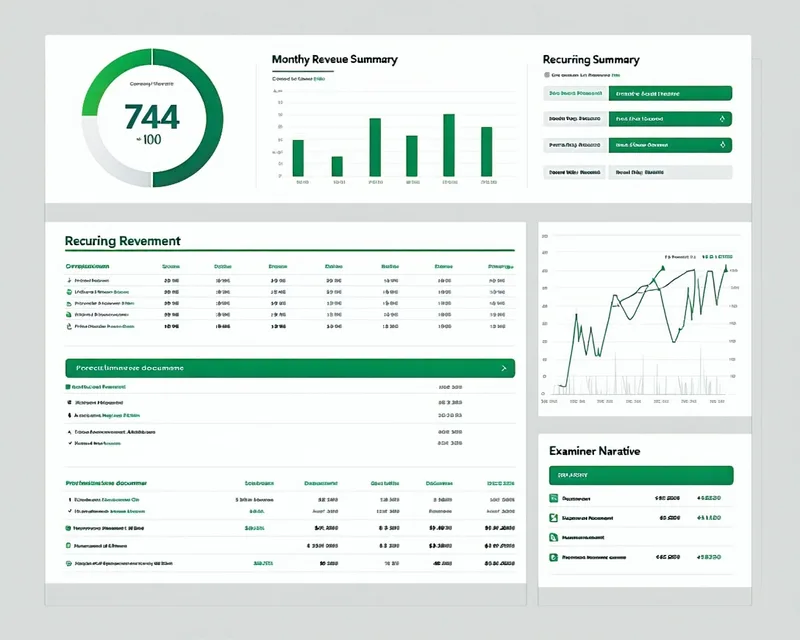
- Cash Flow Score (0-100) — a single numeric signal alongside the bureau score. 70+ indicates strong operating cash health.
- Income Summary — average monthly revenue, revenue stability score, recurring revenue percentage.
- Volatility Flag — months where revenue deviated significantly from trend, with pattern context.
- Examiner Narrative Paragraph — a plain-language summary of the cash flow picture, suitable for inclusion in a credit memo. Designed to support OCC and NCUA examiner review.
- Recommendation Chip — Approve / Review / Decline signal based on cash flow analysis alone. The final credit decision remains with the loan officer.
LOS Integration
Creditfern returns structured JSON that maps to standard LOS credit memo fields. No custom integration required for the platforms your team already uses.
// Sample Creditfern API response — maps to standard LOS credit memo fields
{
 "application_id": "CF-2026-00842",
 "analysis_date": "2026-03-15",
 "cash_flow_score": 74,
 "recommendation": "Approve",
 "income_summary": {
 "avg_monthly_revenue": 82400,
 "revenue_stability": "High",
 "recurring_revenue_pct": 74,
 "analysis_months": 14
 },
 "flags": [
 { "month": "2025-07", "type": "revenue_dip", "context": "seasonal_pattern" }
 ],
 "nsf_count": 0,
 "examiner_narrative": "The applicant demonstrates strong, recurring cash flow over a 14-month review period...",
 "los_field_map": {
 "ncino_cashflow_score": 74,
 "ncino_monthly_revenue": 82400
 }
}
nCino, Abrigo, Finastra, and Encompass field mappings are pre-configured. IT integration is a configuration exercise, not a development project. View all integrations.
Workflow questions
PDF statement upload is fully supported. Loan officers upload the applicant's last 12-24 months of bank statements as PDFs. Our OCR pipeline extracts and structures the transaction data with the same accuracy as direct bank connection. No Plaid enrollment required from the borrower.
Seasonal pattern detection is built into the analysis engine. When revenue dips follow a consistent annual pattern — a landscaping company in January, a retail business in February — Creditfern flags these as expected seasonal variation rather than business deterioration. The examiner narrative includes the seasonal context explicitly.
No. Creditfern returns a recommendation — Approve, Review, or Decline — based on cash flow analysis. The final credit decision is always made by a licensed loan officer at your institution. Creditfern is a decisioning support tool, not an automated loan approval system.
For Plaid or MX direct connections, analysis returns in under 90 seconds. For PDF uploads, processing typically completes within 3-5 minutes depending on statement volume. Either path is substantially faster than the 4-8 hours of manual statement review that Creditfern replaces.
See the workflow with your own loan applications
We offer a 30-day pilot with up to 25 live analyses on real applications from your institution.
Schedule a Pilot